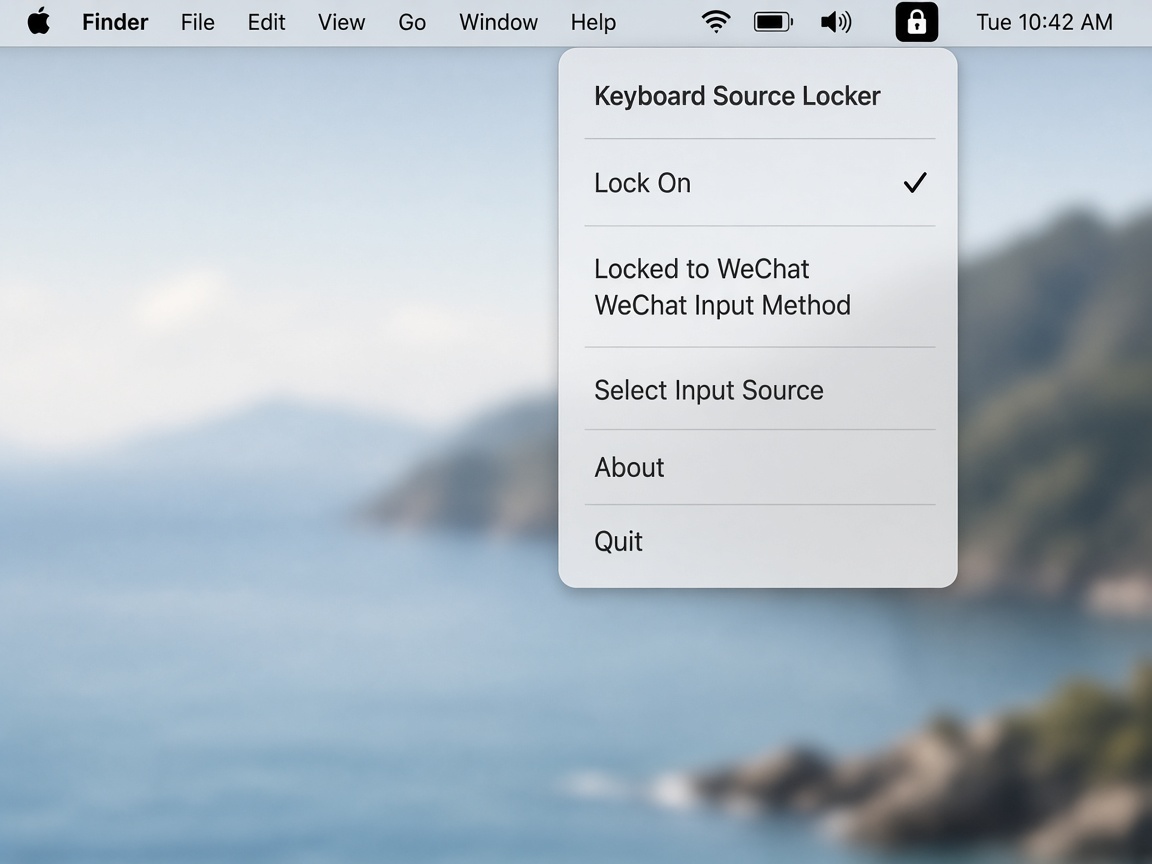
Lock any input source
Pick a target from the menu bar — for example 微信输入法 — and turn the lock on.
 Keyboard Source Locker
macOS 14+ · Menu bar · MIT
macOS won't let you remove ABC, so it can switch on you at the worst moment. Keyboard Source Locker snaps the active input source back to the one you chose — after a short 200 ms debounce.
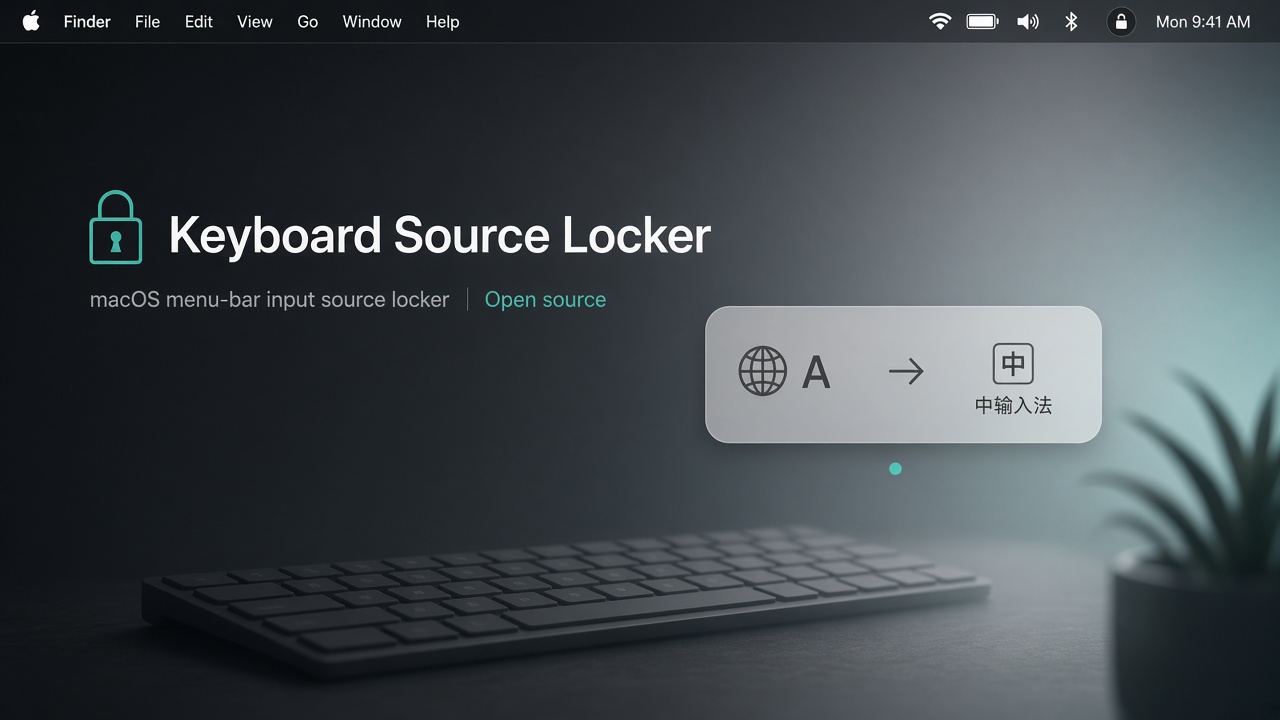
Pick a target from the menu bar — for example 微信输入法 — and turn the lock on.
Rapid switches cancel each other, so only the settled source triggers a restore.
No Dock icon, no windows. Launch at login is one click away.
KeyboardSourceLocker.app to /Applications.
First launch may need System Settings → Privacy & Security → Open Anyway.